


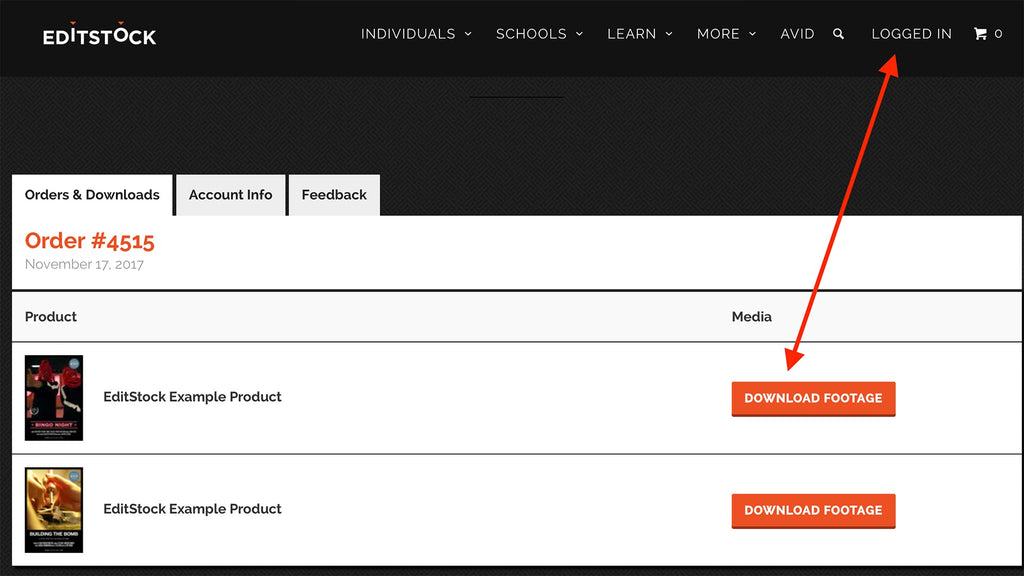
Re-Downloading Previous EditStock Purchases
- In order to re-download a previous EditStock purchases login to your EditStock account, select the Orders & Downloads tab, then choose download footage.
- EditStock accounts are tied to an email address, and are not created automatically upon order.
- If you made a purchase without creating an EditStock account first you will need to contact support@editstock.com to issue you a free account.
No More Download Attempts
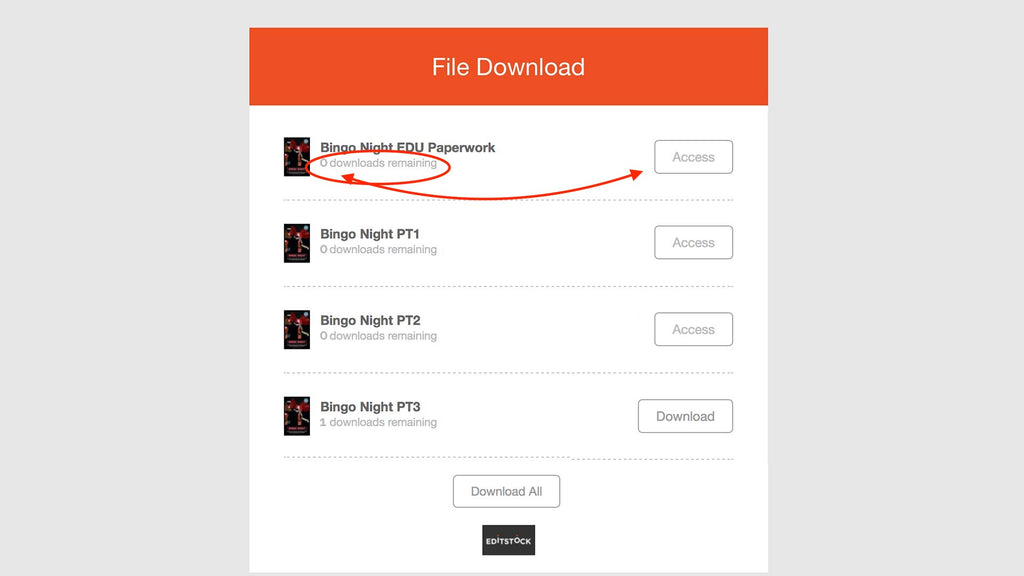
- For security purposes, EditStock download links are set to expire after seven download attempts. However, your access to the material does not expire.
- If you have run out of download attempts and would like it reset you will need to contact tech support. Tech support will reset your download attempts.


