
How the Free Sample Scene Should Be Editing
About the Scene
(download the scene here)
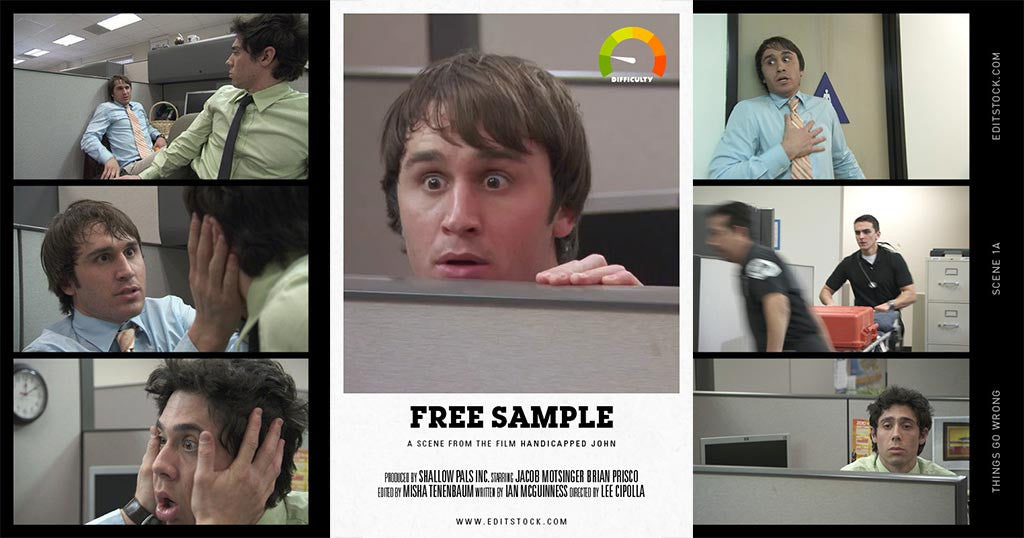
The EditStock free sample scene is an excerpt from the short film Handicapped John (watch the full film at the bottom). We've given you three shots from scene 21 to put together. The goal of the free sample is to practice using coverage. Coverage means the sum of all the different camera angles used to shot a scene.
You can also watch how other people have cut the scene on our cuts worth watching blog.
Watch the Tutorial
Overview: Great editors cut scenes in their mind before they make a single cut in their timelines. In this tutorial I'll explain how that is possible. I'll also give you some great tips on how to edit the free sample scene. Tutorial by Misha Tenenbaum.
Topics Covered:
- When to use wide shots vs close ups.
- What is the actor "business".
- What is editing claustrophobia.
Using Close Ups
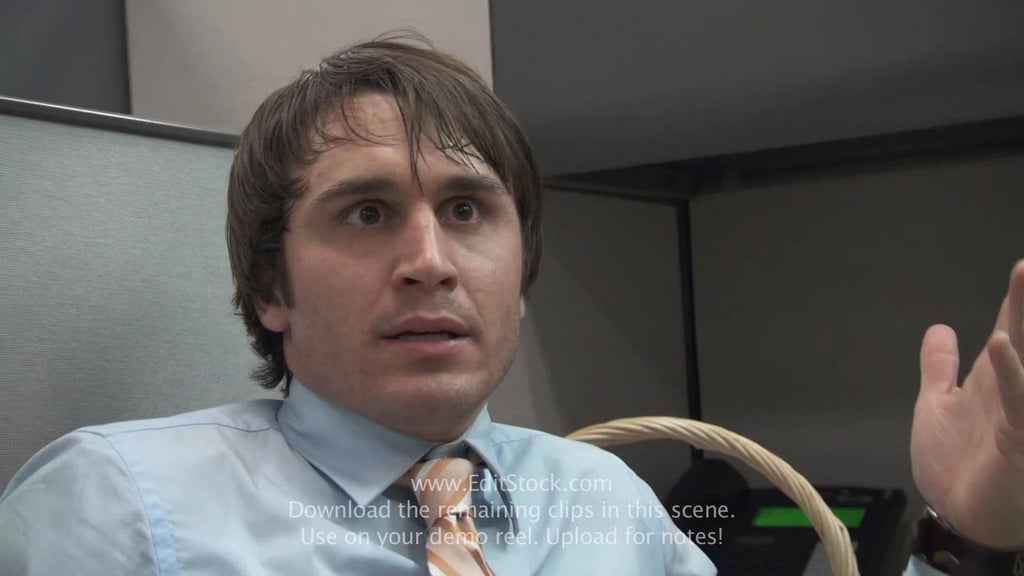
Close ups are used to show a character's emotions. When we want to see the panic in John's face, the twitch in his eye, or feel him comprehending what a big event this is, we need to see it in the close up.
Good Use of the Close Up
- John's eye twitches
- John and Levi tell Jokes
- John grabs Levi's face
Using Wide Shots
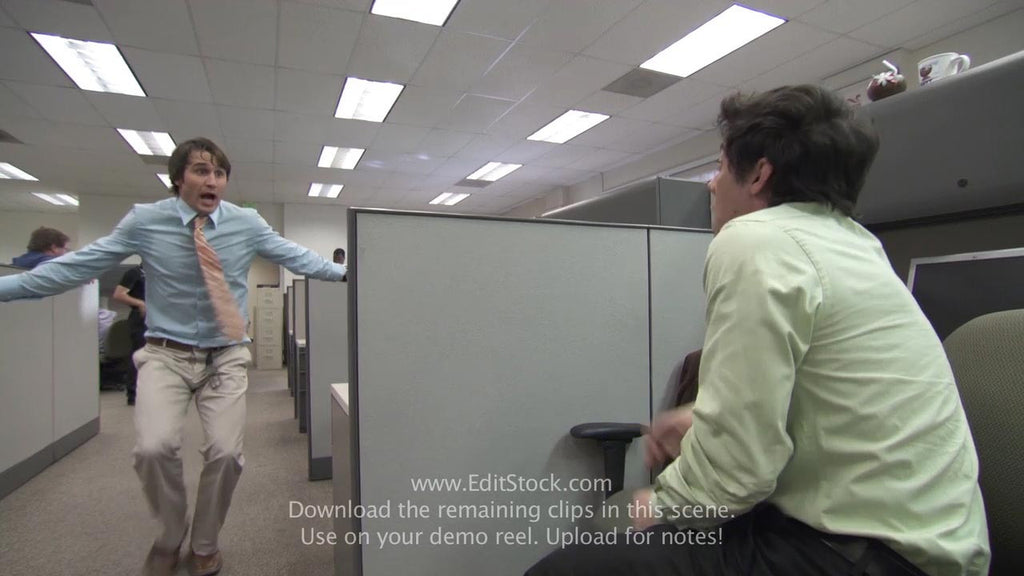
Wide shots are mostly used to show big, physical actions that characters make. When people stand up, sit down, dive for cover - these are good times to use the wide shot. When actors make big gestures with their hands (known as the actor's business) this is another good use of the wide. If you use a close up when you should use a wide shot your audience may feel claustrophobic.
Good Use of the Wide Shot
- Running down the hallway
- The stretcher rolling by
- Leaning over the cubical wall
- Getting up to go see the Janus on the stretcher
Using Pop Cuts (AKA violating the 30-degree rule)
One mistake new editors make is overusing pop cuts. A pop cut is when you cut from a wide to a close up or vice versa on the same person without the camera moving left or right by at least 30-degrees. The size of the shot changes without the camera angle changing.
Popping into or out of a shot makes it really difficult to match continuity. Without the camera angle changing the audience will notice ever bit of inconsistency in the character's face or physical posture.
Furthermore, in order for editing to have good continuity and be invisible cuts need to look the way people see things in real life with their eyes. We can't see transitions like wipes happening in front of us, so we don't use those effects when cutting from one shot to the next unless we want the cut to not feel like real life.
The best times to not feel like real life are when you are condensing time, like a montage.
Whenever you want to pop, think first about using a reaction shot from the other character instead.
What makes not using pop cuts so hard is that they do sometimes work. In the example above one could certainly make the argument that these are good cuts. I'm not here to tell you they are wrong. However, you should know they they create a slightly different feeling for the viewer and should not be over used. If you want to try using them I recommend doing it once per scene.
Summary
The goal of EditStock is to teach you editing bit by bit, through real world projects which you edit at your own pace. Each project has it's own lessons, and no one project encompasses them all.
The next step for you is to pick a project which interests you from our library and get to work. You'll work on editing skills like picking performances, building story string outs, and speed ramping action. We are excited for you to start your journey here with us.


